How to Create a Custom Code Block With Nuxt Content v2
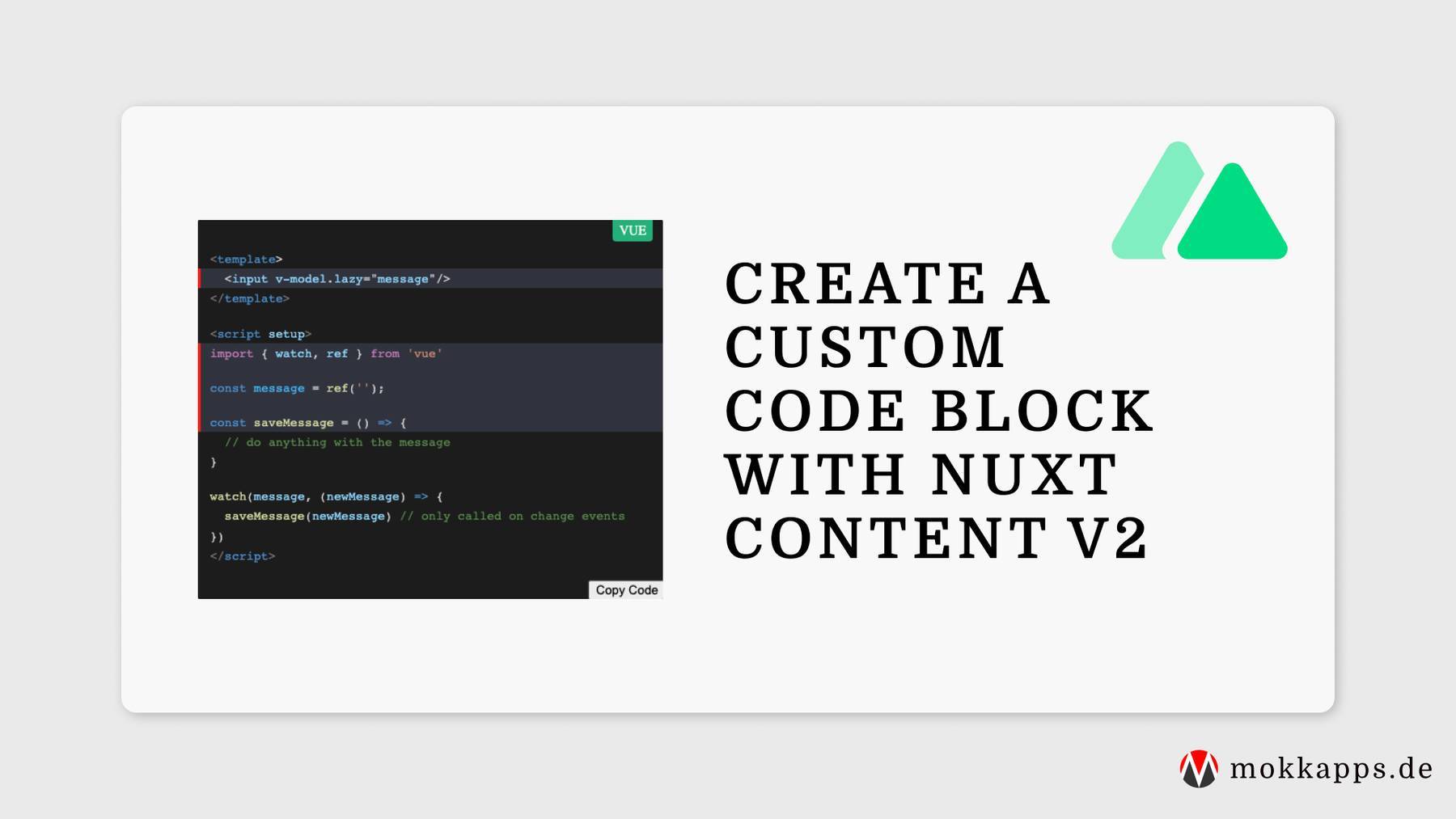
Code blocks are essential for blogs about software development. In this article, I want to show you how can define a custom code block component in Nuxt Content v2 with the following features:

Kategorie · 29 Artikel
Artikel in der Kategorie Vue.js.
Code blocks are essential for blogs about software development. In this article, I want to show you how can define a custom code block component in Nuxt Content v2 with the following features:

I prefer simple Markdown files as the content source for my blog posts. In this article, I want to show you how can set up a simple blog using Nuxt Content v2.

I am currently rewriting my portfolio website with Nuxt 3 which is still in beta. In this article, I want to show you how I implemented a dark mode switch in Nuxt 3 using Tailwind CSS that I will use in my new portfolio website.

Recently, I planned to rewrite my "Scrum Daily Standup Picker" Electron application in Vue 3. I wrote the initial release in Angular, but I wanted to refactor the code base and rewrite it in Vue 3.

Storybook is my tool of choice for UI component documentation. Vue.js is very well supported in the Storybook ecosystem and has first-class integrations with Vuetify and NuxtJS. It also has official support for Vue 3, the latest major installment of Vue.js.

Vue 3 introduced the Composition API to provide a better way to collocate code related to the same logical concern. In this article, I want to tell you why I love this new way of writing Vue components.

This article summarizes a list of Vue.js interview questions that I would ask candidates and that I get often asked in interviews.

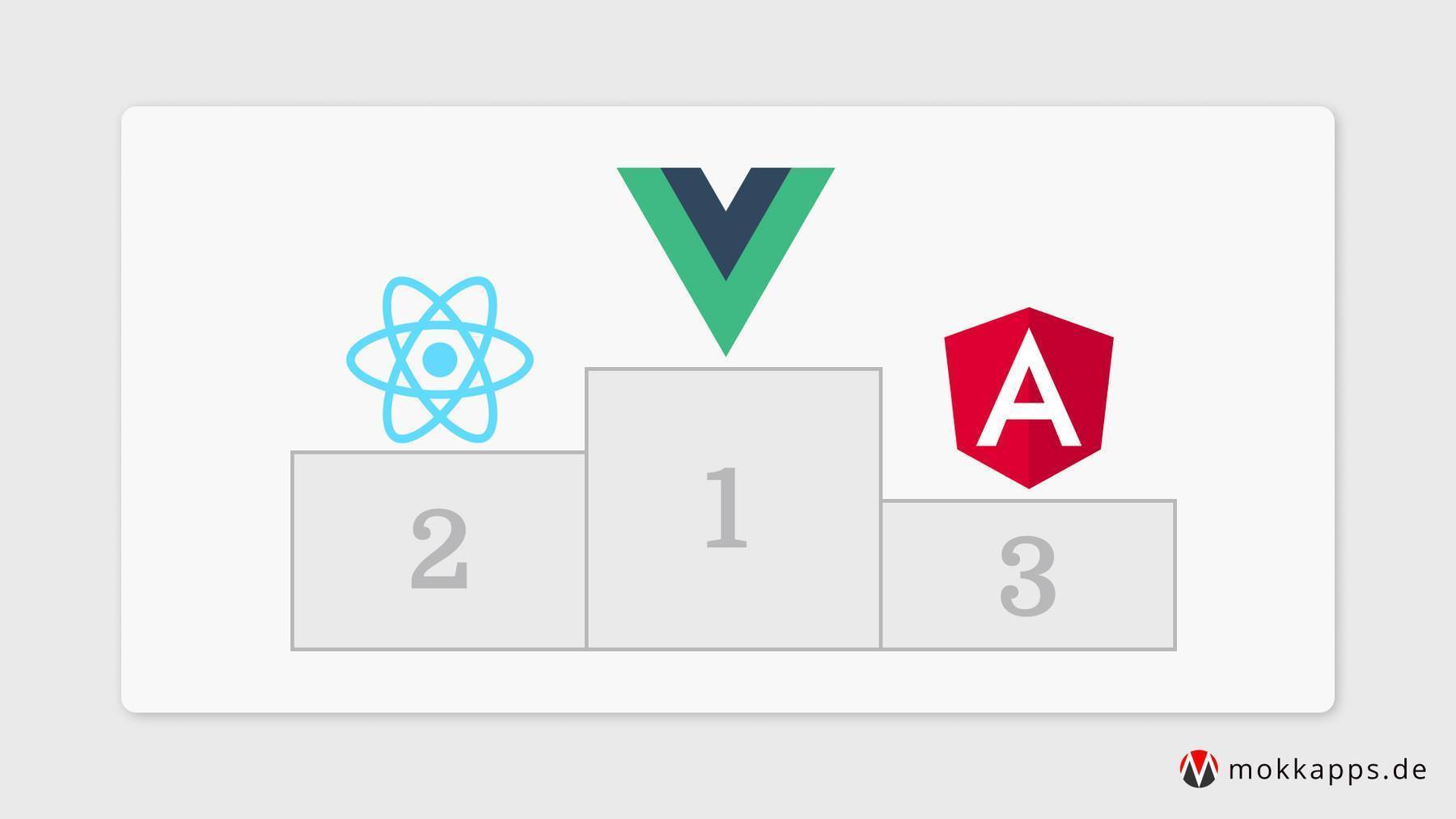
I have professional experience with the three big players in web development: Angular, Vue.js and React. I've reached the point in my career where I need to choose one of the three frameworks/libraries that I will use for my future freelancing career.

In my current, I had the opportunity to develop a new application based on Vue.js in the frontend and Spring Boot in the backend. The backend should send updates to the frontend via a WebSocket connection so that users do not need to refresh the website to see the latest information.