How to Set Up an MCP Server for an Existing Nuxt App
A beginner-friendly, practical guide to adding an MCP server to an existing Nuxt app using the Nuxt MCP Toolkit and a mocked weather tool.
Artikel3 Min.Vue.jsNuxt.js

Kategorie · 29 Artikel
Artikel in der Kategorie Vue.js.
A beginner-friendly, practical guide to adding an MCP server to an existing Nuxt app using the Nuxt MCP Toolkit and a mocked weather tool.
Explore the best practices for using Composables, Provide/Inject, and Pinia in Vue applications. Learn when to use each approach to manage state effectively in your projects, understanding the nuances that make each method suitable for different scenarios.

Explore the implications of Vercel's acquisition of NuxtLabs and what it means for the Nuxt community. Discover how this will influence innovation, access to tools, and the broader ecosystem.

Discover the reasons behind the development of my unique Nuxt starter kit tailored for creating SaaS products. Learn why I opted for a highly opinionated and custom solution over existing options, and how it enhances productivity and maintainability.
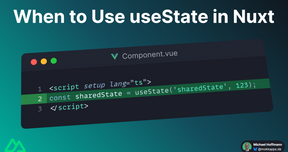
Nuxt provides the useState composable which creates a reactive and SSR-friendly shared state. You might be confused when to use useState or ref in your Nuxt app. In this article, I want to answer this question
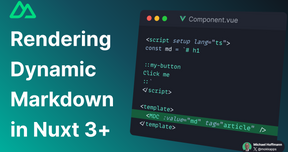
Learn how to dynamically render markdown content in a Nuxt 3+ application using the @nuxtjs/mdc module.
In one of my client projects, we recently had to analyze and fix a memory leak in our Nuxt 3+ application. I share my experience and our steps to identify and fix the memory leak.

I share my experiences of how I self-hosted my Nuxt apps with Coolify on Hetzner servers.

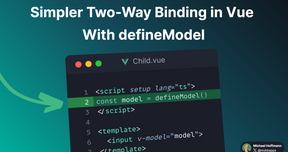
The new defineModel compiler macro has available since Vue 3.4 and makes two-way binding much simpler and cleaner.
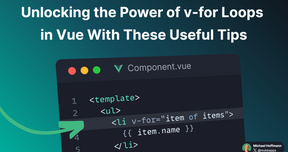
Looping through arrays and objects is a common task in Vue applications. The v-for directive is the perfect tool for this job. It is mighty, and you can use it in many different ways. In this article, I will show you some valuable tips and tricks to get the most out of the v-for directive.
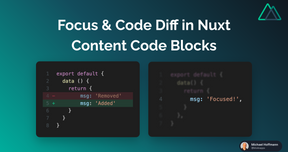
Custom code blocks are essential for my blog as my articles usually contain a lot of code snippets. My blog is powered by Nuxt Content v2, which is a Nuxt 3 module. I already wrote an article about how you can create custom code blocks using Nuxt Content v2.
In this blog post, I'll show you how a simple mechanism to lazy load your Vue components if they become visible using the Intersection Observer API.

With Nuxt 3's rendering modes, you can execute API calls and render pages both on the client and server, which has some challenges. For example, we want to avoid duplicate network calls, efficient caching, and ensure that the calls work across environments. To address these challenges, Nuxt provides a built-in data fetching library ($fetch) and two composable (useFetch and useAsyncData).
This article gives an overview of the highlighted features in Vue 3.3

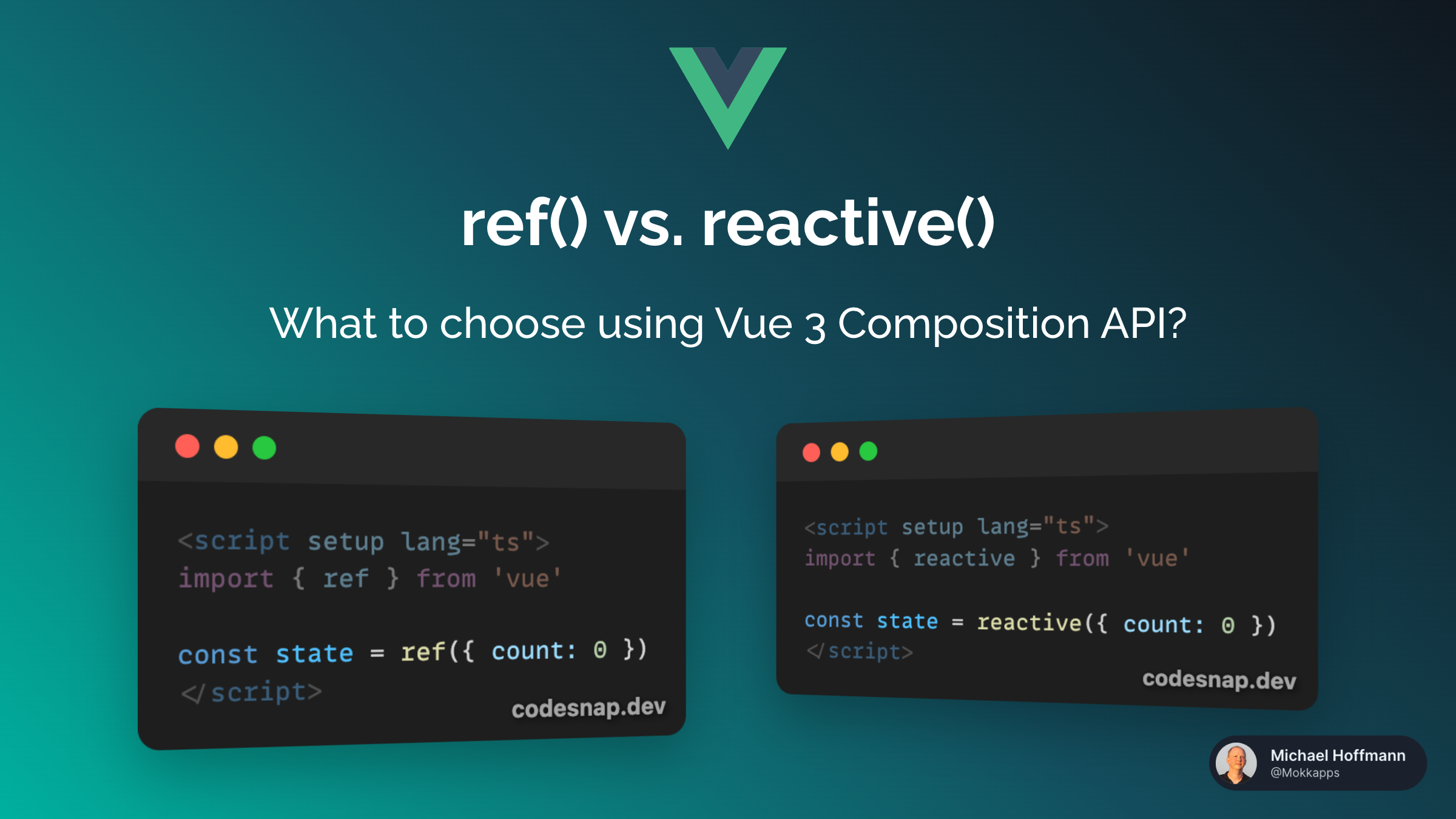
I love Vue 3's Composition API, but it provides two approaches to adding a reactive state to Vue components: ref and reactive. It can be cumbersome to use .value everywhere when using refs but you can also easily lose reactivity when destructuring reactive objects created with reactive.
I recently developed a custom newsletter service using Nuxt 3. One of the main reasons why I developed it on my own was that I wanted to use good-looking code blocks in my emails.
Twitter will shut down Revue on January 18, 2023, which I previously used as a newsletter provider for Weekly Vue News.

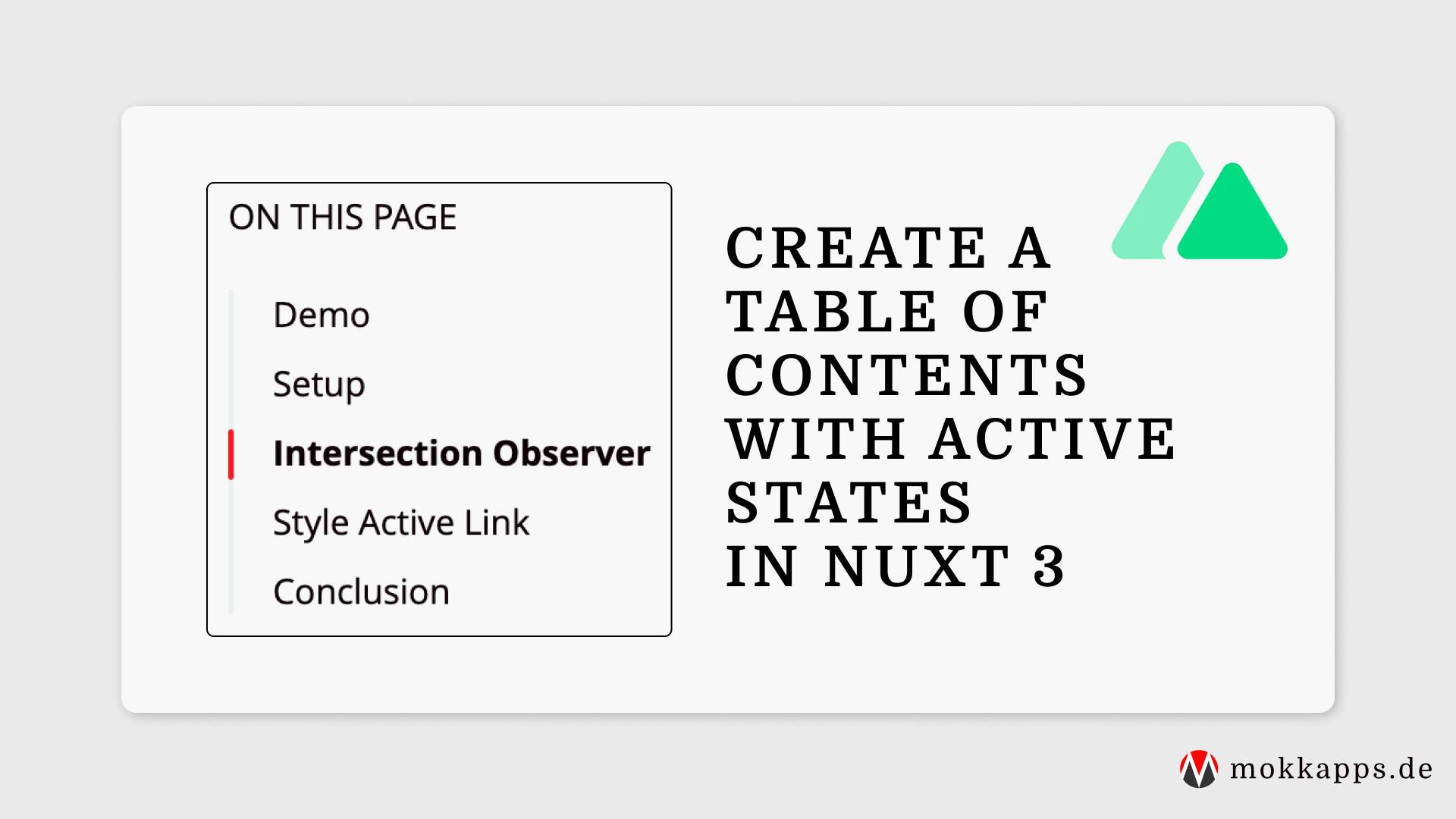
I'm a big fan of a table of contents (ToC) on the side of a blog post page, especially if it is a long article. It helps me gauge the article's length and allows me to navigate between the sections quickly.
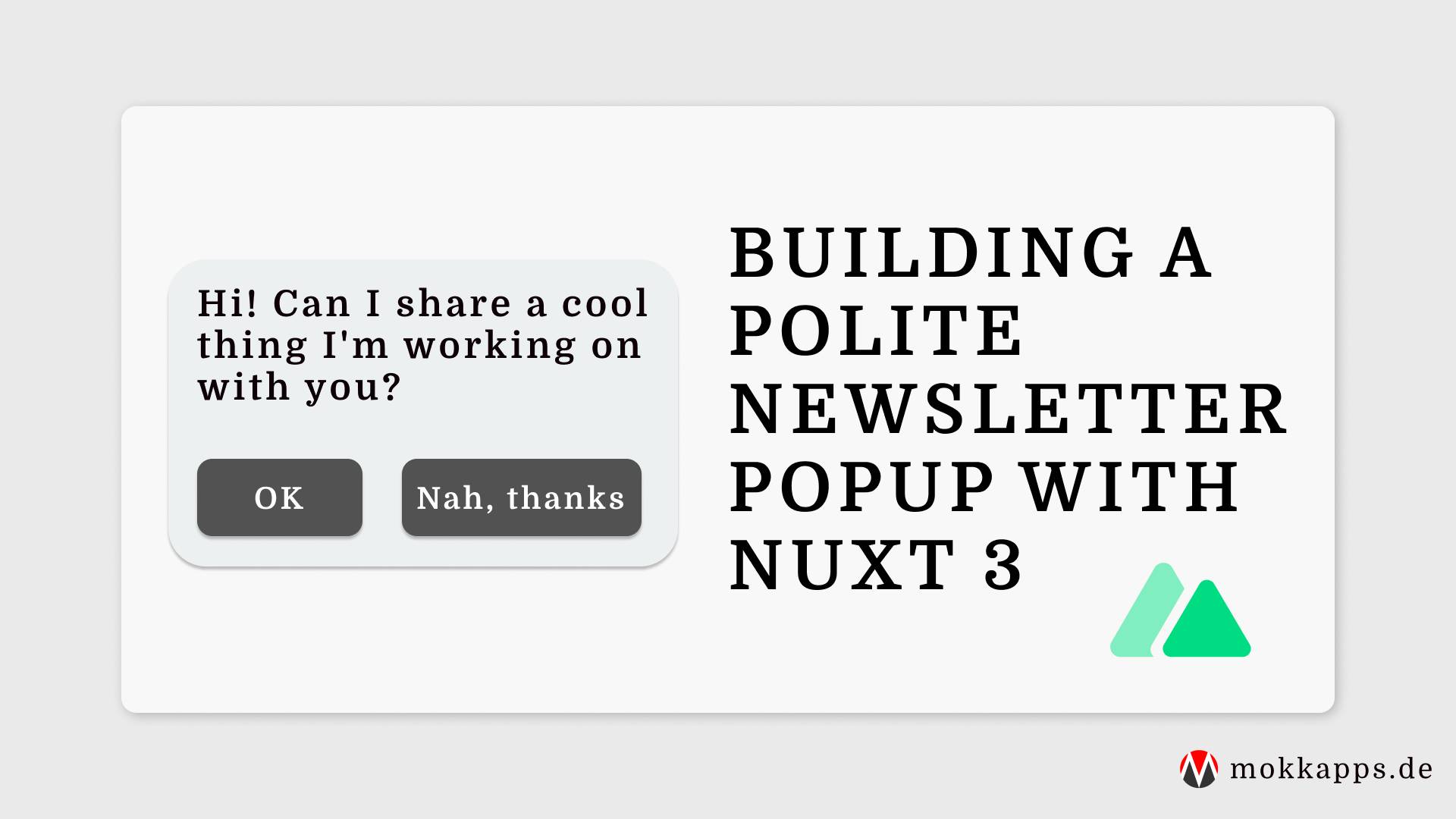
This year I launched a free eBook with 27 helpful tips for Vue developers for subscribers of my weekly Vue newsletter. For marketing purposes, I showed a popup on the landing page of my portfolio page each time a user visited my site. I was aware that users probably could get annoyed by that popup. Thus I added a "Don't show again" button to that popup. I thought I solved the problem!
My portfolio website is built with Nuxt 3 and Nuxt Content v2. An RSS feed with my latest five blog posts is available here. In this article, you'll learn how to add an RSS feed to your Nuxt website.