Vue provides two lifecycle hooks that we can use for debugging purposes.
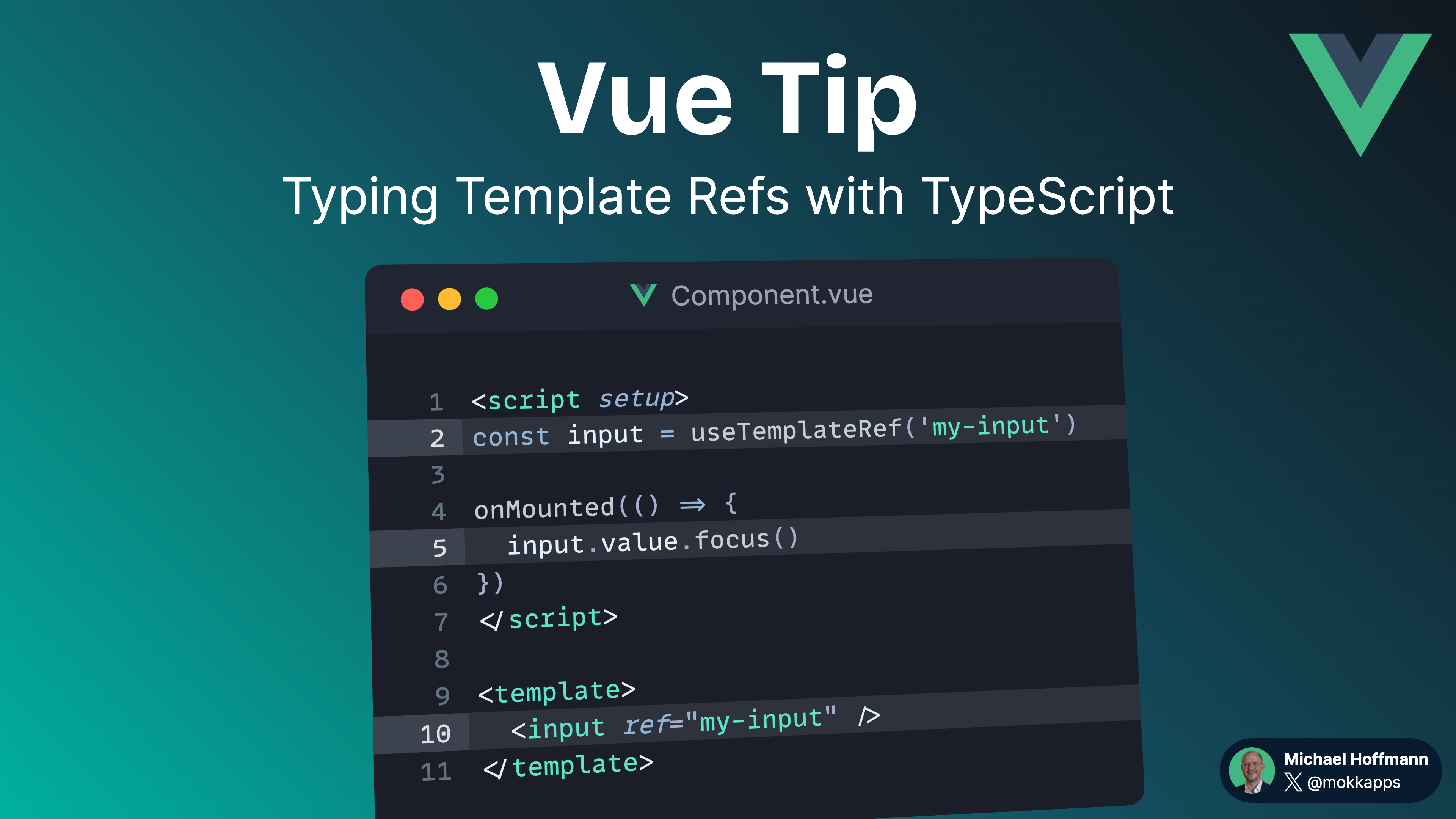
Vue Tip: Typing Template Refs With TypeScript
Template refs only exist after the component is mounted. Thus, it’s necessary to type template refs with a union type that includes the DOM element type as well as null.
Vue Tip: Avoid Side Effects in Computed Properties
It is considered bad practice to introduce side effects inside computed properties and functions because it makes the code unpredictable and hard to understand.
Vue Tip: Avoid Directly DOM Manipulation
It is a no-go to manipulate the DOM in Vue.js directly. Instead, you should use the "ref" attribute.
Vue Tip: Use Vue App Instance as Global Store
Vue provides an object that can be used to register global properties that can be accessed on any component instance inside the application.
Vue Tip: Delay Loading Appearance of Spinner
Eager delay spinners are not a good user experience. They can make a snappy user interface feel slower. We want delay spinners to appear only after a perceivable delay.
Vue Tip: Check if Slot Is Empty
You can check if a slot is empty, for example, only to render it if it has content.
Vue Tip: watch() vs. watchEffect()
Understand the difference between the watch() and watchEffect() Vue hooks.
Vue Tip: Debug Computed Properties
We can debug properties by passing computed() a second options object.
Vue Tip: Query Inner Elements in Third-Party Components
In some cases, we have to deal with third-party Vue components where we cannot put a ref on inner HTML elements to access them in our Vue code.