

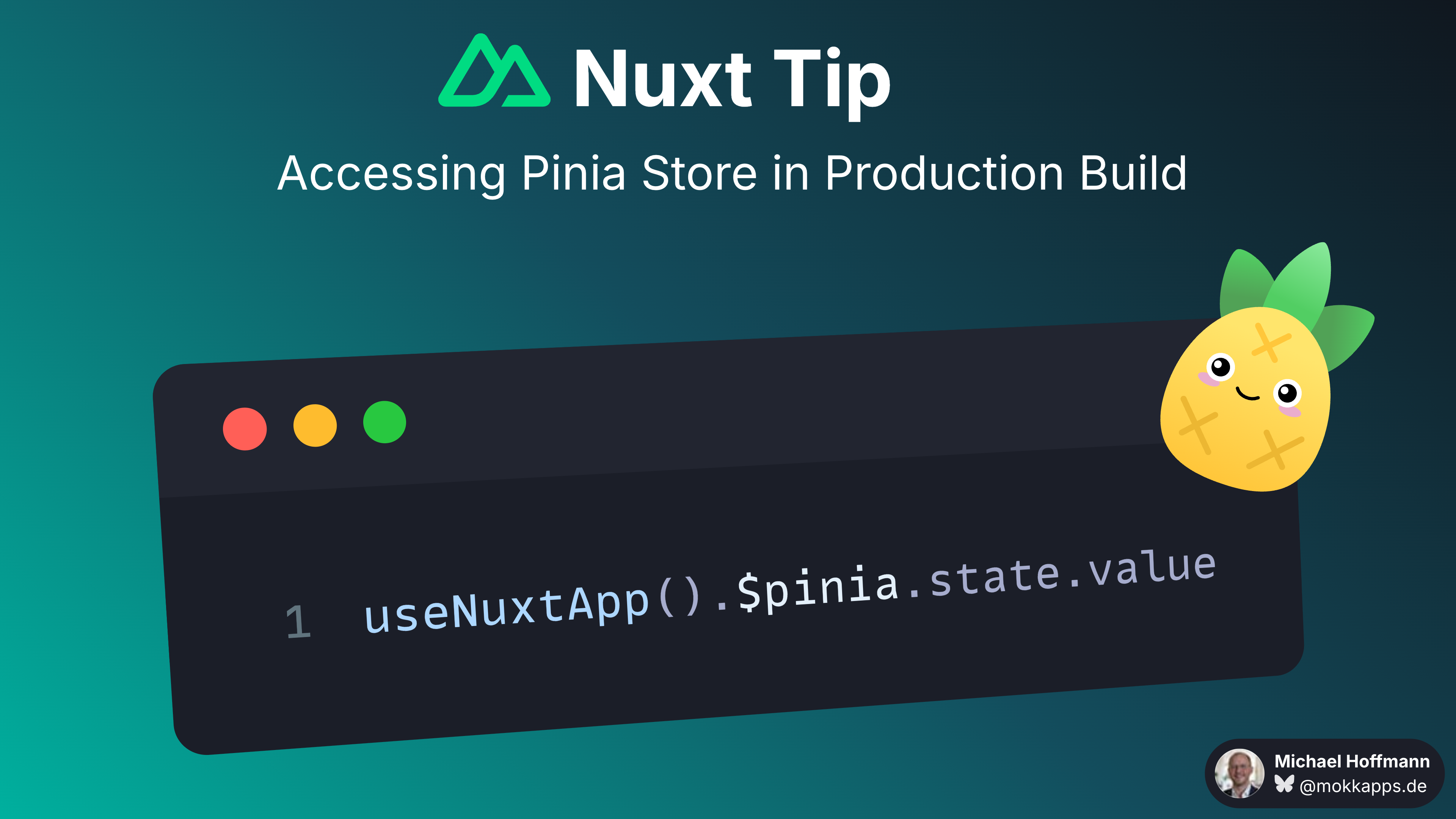
During local development, you can easily debug your Pinia store using the Nuxt Devtools. However, when you build your Nuxt application for production, the way you access your Pinia store changes slightly.
To access your Pinia store in a Nuxt production build, you can use the following command in your browser's console:
useNuxtApp().$pinia.state.value
If you liked this Vue tip, follow me on X to get notified about new tips, blog posts, and more.
Vue Tip: Infer Props From Components in a Component Map
Nuxt Tip: Managing Page Load States With useLoadingIndicator
