
1 Minuten Lesezeit
Vue Tip: Manually Stop Watcher
You need to manually stop your Vue watcher if they are created asynchronously. Sync watchers are automatically stopped when the component is unmounted.
KI-Assistent fragen
Michael Hoffmann
@mokkapps
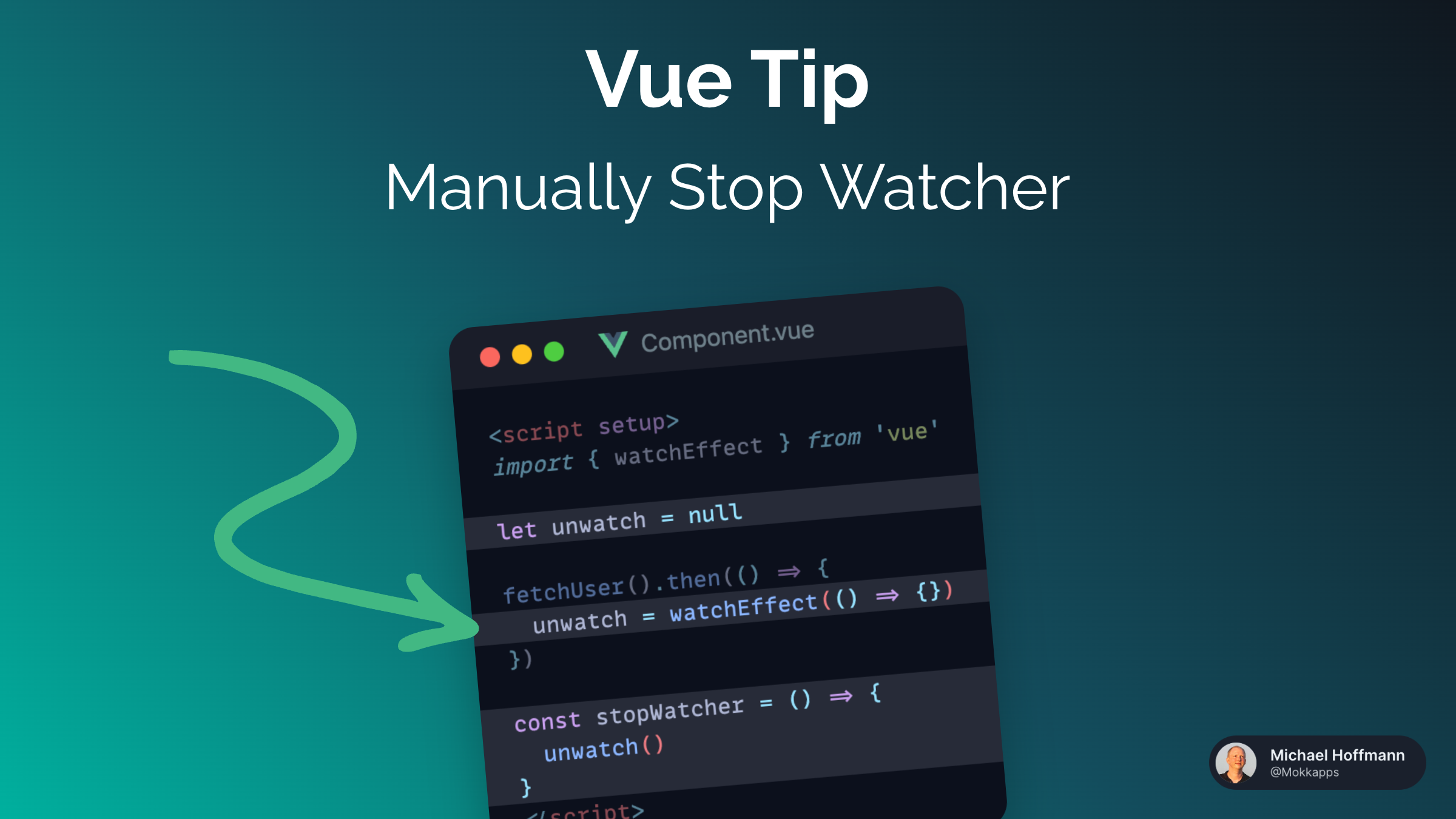
Vue automatically stops watchers (watch and watchEffect) when the component is unmounted if they are created synchronously in <script setup> or setup().
The following watcher will automatically be stopped if Component.vue is unmounted:
<script setup>
import { watchEffect } from 'vue'

watchEffect(() => {})
</script>
However, if you create a watcher asynchronously, it will not be stopped automatically:
<script setup>
import { watchEffect, ref } from 'vue'

const user = ref(null)

fetchUser().then((userResponse) => {
  user.value = userResponse

  // ⚠️ watchEffect is created asynchronously
  watchEffect(() => {
    if (user.value) {
      // do something with the user
    }
  })
})
</script>
In this case, you can manually stop the watcher by calling the stop function that is returned by watchEffect:
<script setup>
import { watchEffect, ref } from 'vue'

const user = ref(null)
let unwatch = null

fetchUser().then((userResponse) => {
  user.value = userResponse
  unwatch = watchEffect(() => {
    if (user.value) {
      // do something with the user
    }
  })
})

const stopWatcher = () => {
  unwatch()
}
</script>
In our example, we could create the watcher synchronously and watch the user ref instead:
<script setup>
import { watchEffect, ref } from 'vue'

const user = ref(null)

fetchUser().then((userResponse) => {
  user.value = userResponse
})

watchEffect(() => {
  if (user.value) {
    // do something with the user
  }
})
</script>
This way, the watcher is automatically stopped and you don't need to worry about stopping the watcher yourself.