
1 Minuten Lesezeit
Vue Tip: Display Raw HTML
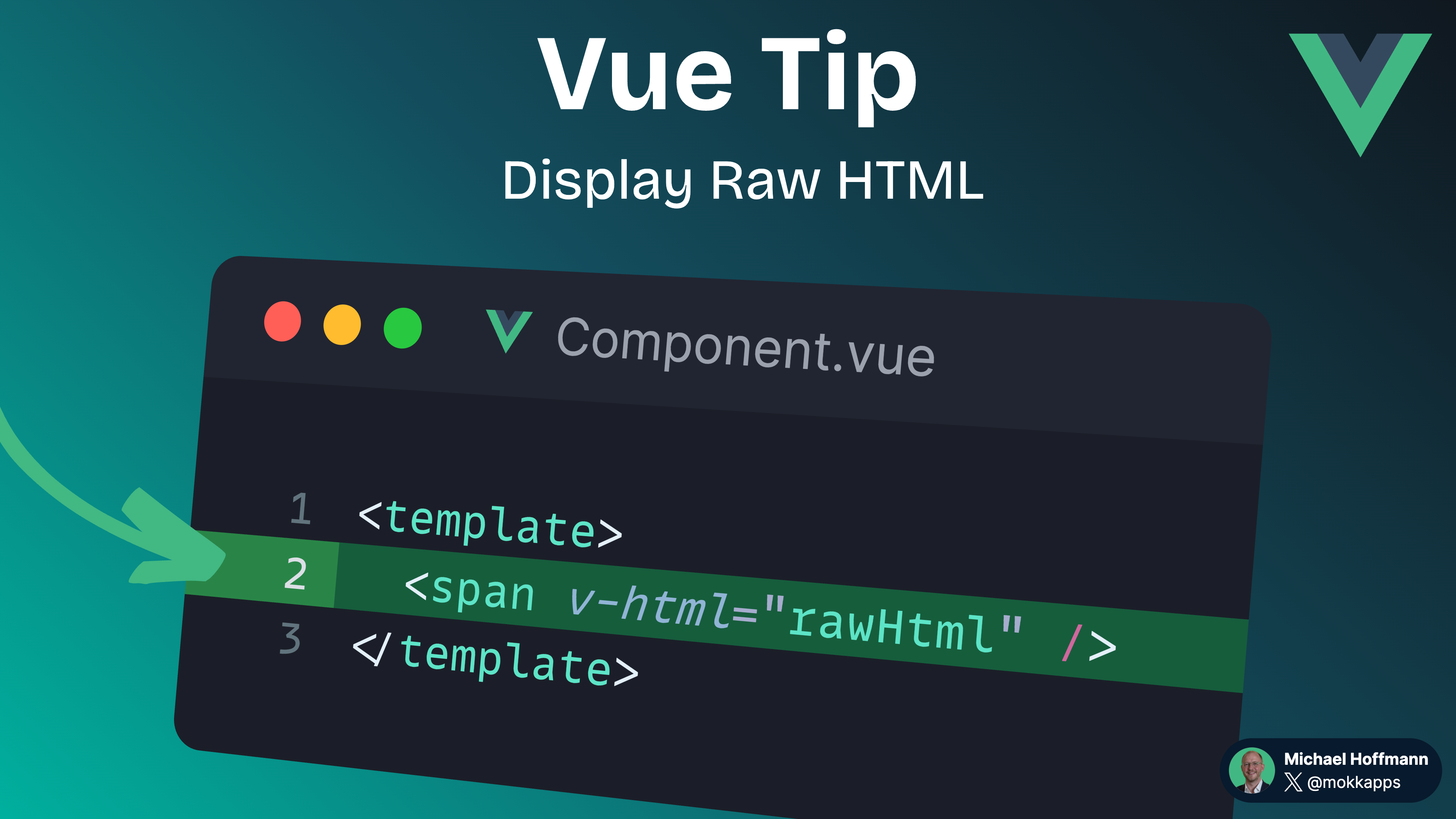
The double mustaches interpret the data as plain text, not HTML. To output real HTML, you will need to use the v-html directive.
KI-Assistent fragen
Michael Hoffmann
@mokkapps
The double mustaches interpret the data as plain text, not HTML:
<script setup lang="ts">
const rawHtml = '<span style="color: red">This should be red.</span>';
</script>

<template>
  <p>{{ rawHtml }}</p>
</template>
In this example, the component will render: <span style="color: red">This should be red.</span>
To output real HTML, you will need to use the v-html directive:
<script setup lang="ts">
const rawHtml = '<span style="color: red">This should be red.</span>';
</script>

<template>
  <p v-html="rawHtml" />
</template>
The contents of the span will be interpreted as plain HTML, and all data bindings are ignored.
Vue is not a string-based templating engine, so we cannot use it to compose template partials with v-html. Instead, components are favored as the fundamental unit for UI reuse and repurposing.
v-html on trusted content and never on user-provided content.If you are looking for a safe replacement for v-html, you can use the vue-dompurify-html library to sanitize the HTML content before rendering it.If you liked this Vue tip, follow me on X to get notified about new tips, blog posts, and more.
Vue Tip: Scroll to Top When Navigating to a New Route
Vue Tip: Automatic Global Registration of Base Components