
1 Minuten Lesezeit
Nuxt Tip: Detecting Server vs. Client-Side Code Execution
Nuxt 3 provides a way to detect whether your code is running on the server or client-side.
KI-Assistent fragen
Michael Hoffmann
@mokkapps
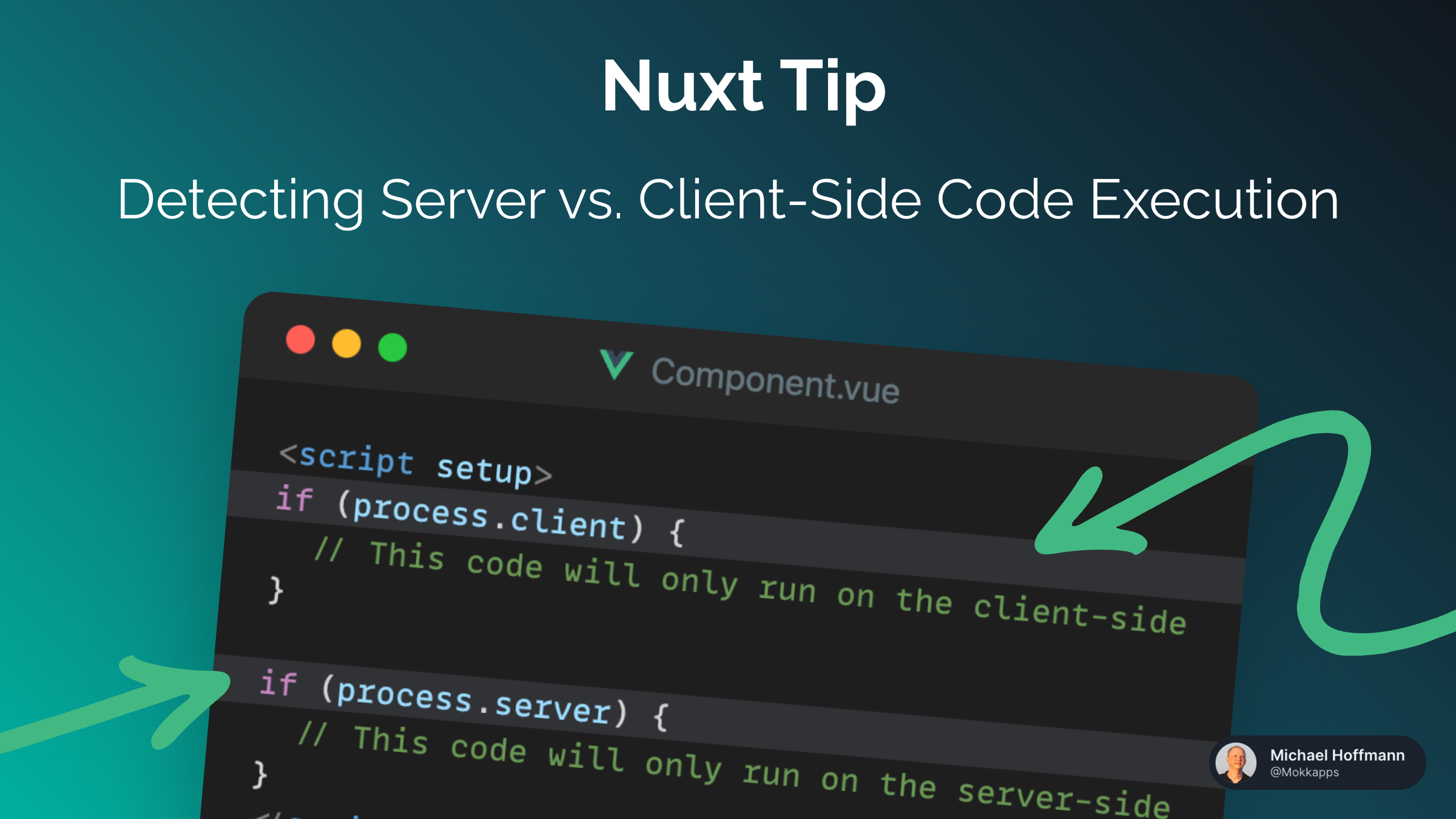
If you need to specify that you want run a certain code block in your Nuxt 3 application only on the client-side, you can use the import.meta.client:
Component.vue
<script setup>
if (import.meta.client) {
  // This code will only run on the client-side
}
</script>
Analogously, if you need to specify that you want run a certain code block only on the server-side, you can use the import.meta.server:
Component.vue
<script setup>
if (import.meta.server) {
  // This code will only run on the server-side
}
</script>
Why is this useful?
This is useful if you need to run code that is only available on the client-side or server-side. For example, if you need to access the window object, you can only do so on the client-side.
Read more about the import.meta object in the Nuxt docs.