
1 Minuten Lesezeit
Vue Tip: Chaining Event Modifiers
By chaining multiple event modifiers together, you can create sophisticated event handling scenarios with ease.
KI-Assistent fragen
Michael Hoffmann
@mokkapps
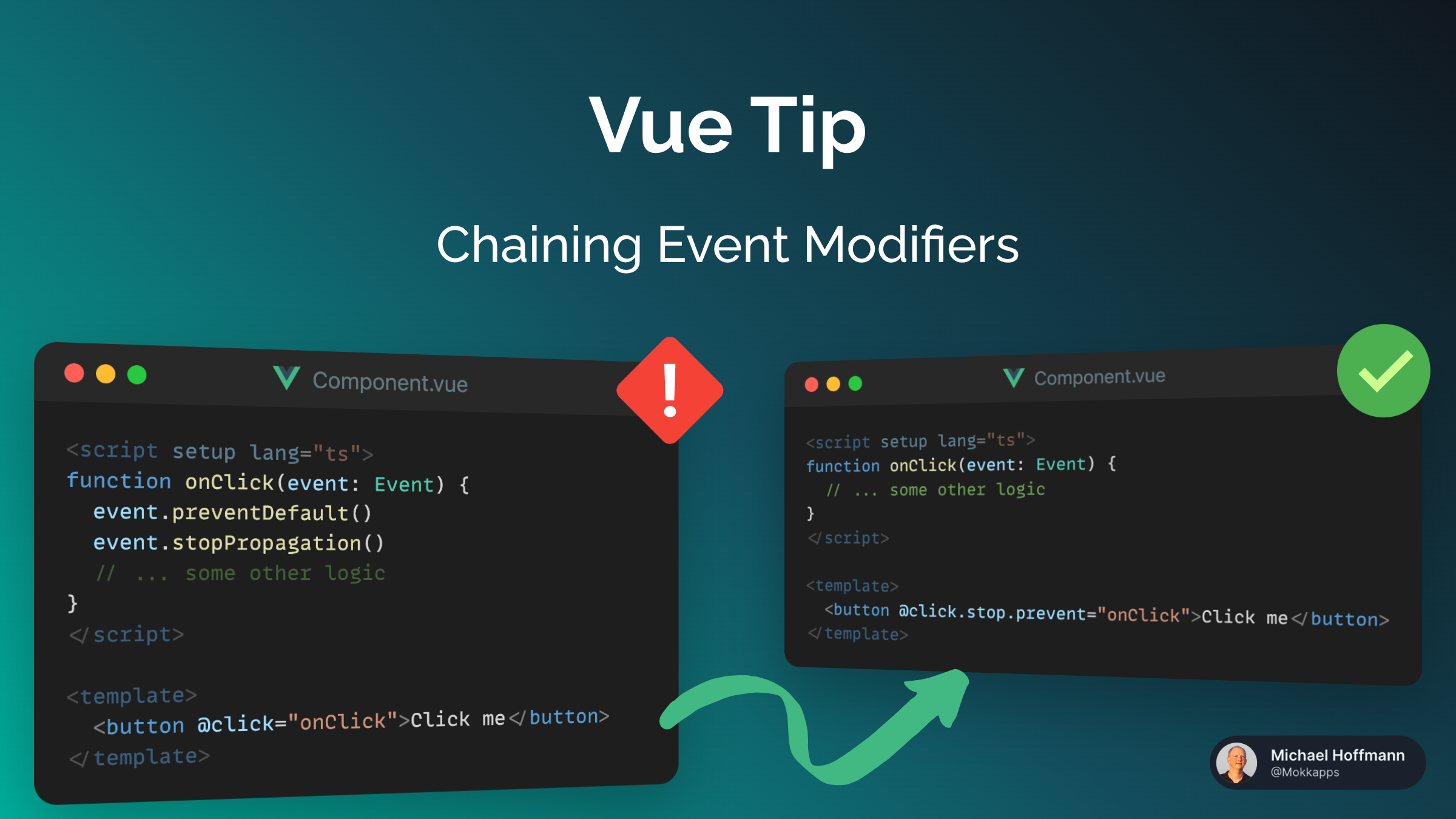
Most likely you have already called event.preventDefault() or event.stopPropagation() inside event handlers:
<script setup lang="ts">
function onClick(event: Event) {
  event.preventDefault()

  // ... some other logic
}
</script>

<template>
  <button @click="onClick">Click me</button>
</template>
As you can see, you can easily implement this functionality using methods. but as an alternative, Vue provides event modifiers.
Using these modifiers your method contains only the data logic and the DOM event details are part of the template:
<script setup lang="ts">
function onClick(event: Event) {
  // ... some other logic
}
</script>

<template>
  <button @click.prevent="onClick">Click me</button>
</template>
Vue provides the following event modifiers:
.stop.prevent.self.capture.once.passive
You can also chain modifiers:
<script setup lang="ts">
function onClick(event: Event) {
  // ... some other logic
}
</script>

<template>
  <button @click.stop.prevent="onClick">Click me</button>
</template>
@click.prevent.self will prevent click's default action on the element itself and its children, while @click.self.prevent will only prevent click's default action on the element itself..passive and .prevent together.By using the .passive modifier, you are effectively signaling to the browser that you have no intention of preventing the default behavior of the event.If you liked this Vue tip, follow me on X to get notified about new tips, blog posts, and more.
Nuxt Tip: Move Homepage to Sub-Folder in Nuxt 3
Vue Tip: Effortless Handle Asynchronous Components With Suspense